Choosing the Best Crypto Portfolio Tracker: A Comparison
At some point in the last few years, picking a decent portfolio tracker became almost as fiddly as picking the coins themselves. So here's what one actually does: a crypto portfolio tracker (usually...

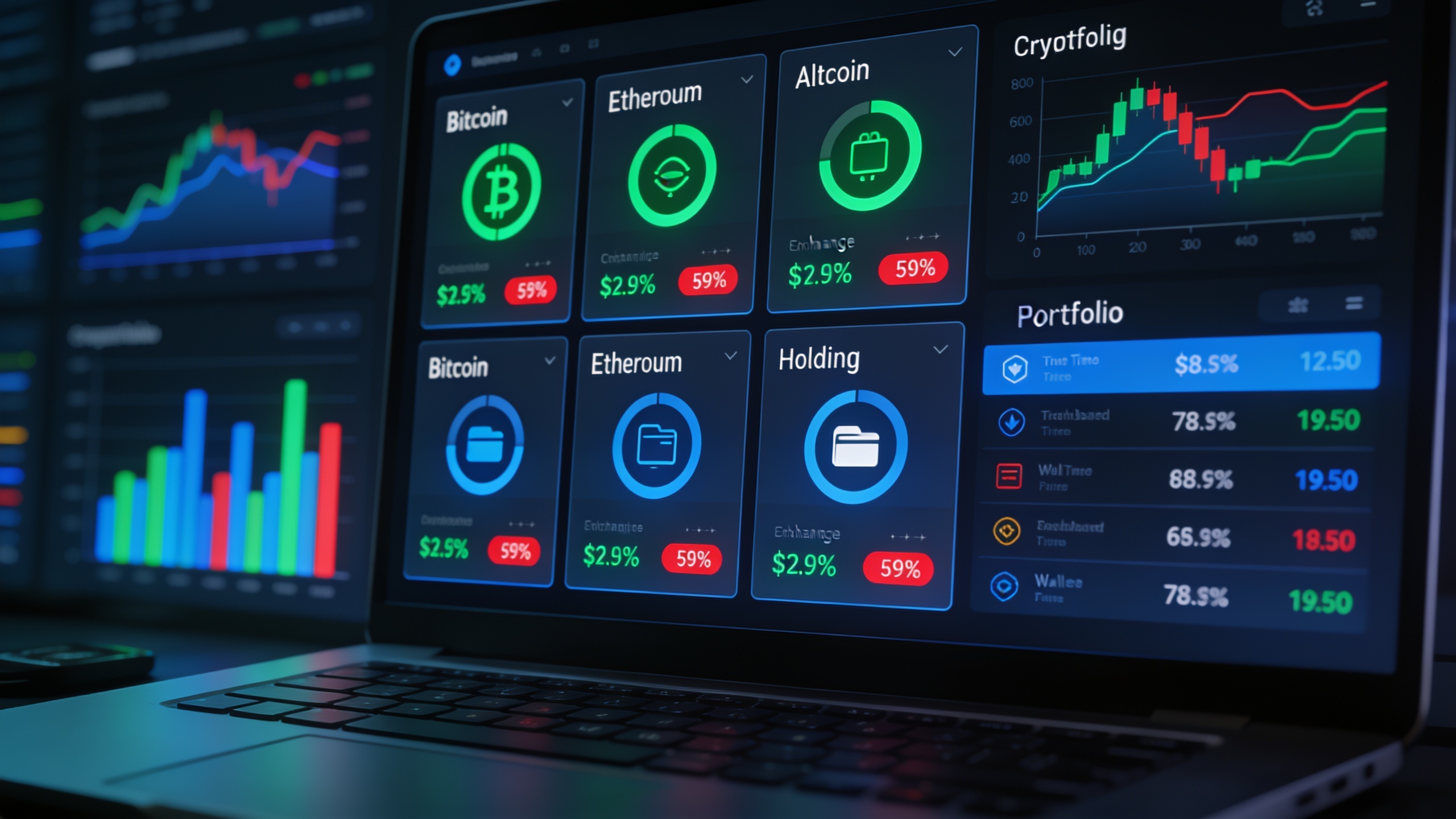
At some point in the last few years, picking a decent portfolio tracker became almost as fiddly as picking the coins themselves. So here's what one actually does: a crypto portfolio tracker (usually an app or a web dashboard) pulls together everything you're holding across your wallets and exchanges, so you get one view of your total balance, your gains, your losses, and how it's all allocated. No more logging into six different apps every morning like it's a part-time job. And since most people now have money scattered across exchanges, DeFi protocols, and a cold wallet or two, the best tracker isn't the prettiest one. It's the one that can actually keep up with the mess you've made of your own portfolio.
So this piece is about what separates a tracker that earns its spot on your home screen from one that's just more clutter. I'll get into pricing, the real-time data and tax stuff that actually matters, the security trade-offs nobody reads carefully enough, and how to match a tracker to how complicated your holdings really are.
Table of Contents
- What Is a Crypto Portfolio Tracker, and Why Does It Matter?
- How Much Does the Best Portfolio Tracking App Cost?
- Key Features to Compare in a Crypto Portfolio Tracker
- Comparing Types of Crypto Portfolio Trackers
- How Does a Crypto Portfolio Tracker Handle Security?
- Choosing a Tracker Based on Your Portfolio's Complexity
- Crypto Portfolio Tracker vs. Manual Spreadsheet: Which Wins?
- Frequently Asked Questions
What Is a Crypto Portfolio Tracker, and Why Does It Matter?
A crypto portfolio tracker is software that pulls your balances and transaction history from your exchanges and wallets and puts them in one place, showing you total holdings, cost basis, and how you've performed over time. It gets that data one of three ways: through API keys, through public wallet addresses, or through you typing it all in by hand. Instead of you doing average-buy-price math on a spreadsheet at midnight, the tracker just does it, and keeps updating as prices bounce around.
Why does this matter? Because almost nobody keeps their Bitcoin on one exchange anymore. Picture the average setup: some Ethereum staked through a validator service, stablecoins sitting in a DeFi lending pool, a pile of altcoins on a centralized exchange, and a cold wallet holding the stuff you swore you wouldn't touch. Without something pulling all that together, you genuinely can't tell how exposed you are to any single asset, and forget about a clean tax position. A good tracker takes that fragmented mess and turns it into one dashboard you can glance at in thirty seconds. That's the whole appeal. It's why this went from "nice to have" to "basically required" the moment you held more than a coin or two.
How Much Does the Best Portfolio Tracking App Cost?
Most trackers run on a tiered model: a free tier that covers basic tracking for a limited number of coins or transactions, then paid tiers that unlock the good stuff like unlimited transaction history, faster data refresh, or tax report exports. The exact numbers and limits shift constantly from provider to provider, so honestly, just go check the current pricing page yourself instead of trusting some screenshot from a forum thread that's a year old.
What stays pretty consistent is the shape of the thing. Free plans exist to get casual holders hooked on the interface. The features serious investors actually need (high transaction volume, multi-exchange API syncing, detailed tax lot reporting) almost always sit behind a paid subscription or a one-time annual fee. And notice when they push those fees hardest: around tax season, when everyone suddenly panics about reporting. That's not an accident. As Cryptocoinsjournal covers in its crypto tax software review for 2025, doing crypto taxes by hand stopped being realistic for active traders the second DeFi swaps, staking rewards, and NFT flips entered the mix. The pricing just reflects how much work that reporting load actually is.
My honest advice? Treat the "free" version as a trial, not a home. Read the fine print on transaction caps before you dump your whole trading history into a platform, because migrating years of data out later is a nightmare. Choose carefully now or curse yourself later.
Key Features to Compare in a Crypto Portfolio Tracker
Strip away the marketing and it really comes down to three things: how fresh and accurate the price data is, how well it handles taxes, and how it deals with the fact that you're handing a third-party app a window into your finances.
Real-Time Price Data and Multi-Exchange Sync
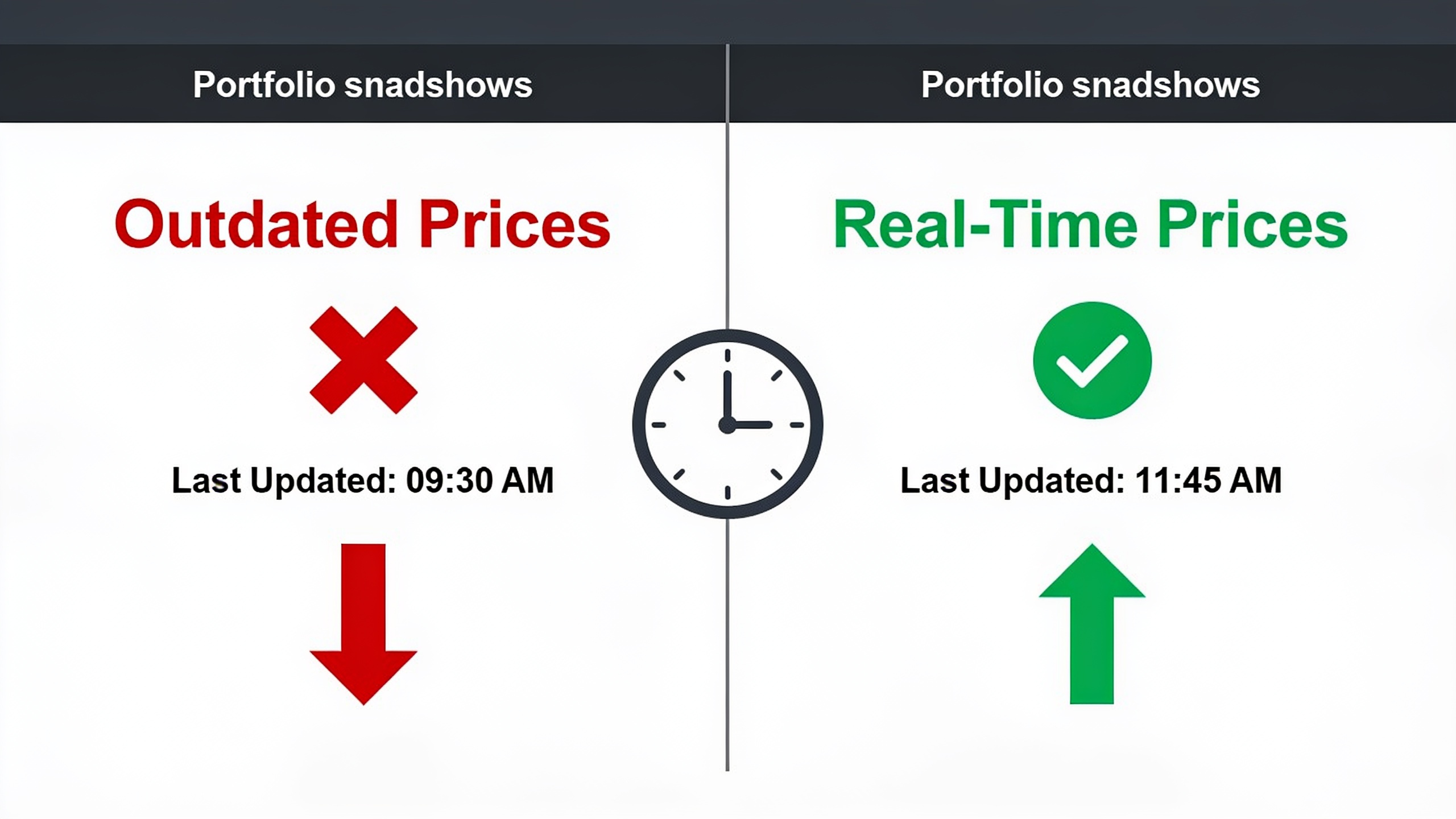
Real-time price data means the tracker updates your asset values continuously (or close enough), instead of on some lazy delayed refresh. This matters a lot in a market where double-digit swings happen before lunch. A tracker that only refreshes every few minutes, or that drags its feet on low-liquidity altcoins, can show you a portfolio value that's just flat-out wrong during a fast session. And a wrong number in a panic is how bad decisions get made.
Multi-exchange sync, meanwhile, is the ability to connect several exchanges and wallets through read-only API keys or public addresses. It's just as important, because again, nobody keeps everything in one place anymore. The best trackers reach across a big range of centralized exchanges, self-custody wallets, and increasingly DeFi positions too, so nothing hides in a blind spot. Oh, and if you haven't even settled where to hold your assets yet, sort that out first. It's worth going through the trade-offs in Cryptocoinsjournal's Crypto Wallet Comparison: Hardware vs Software vs Exchange Storage, because how you store things directly changes how easily (and safely) a tracker can sync with them.
Tax Reporting Capabilities
Tax reporting here means the tracker can build cost-basis calculations, work out your capital gains and losses, and spit out export-ready forms based on your history. This is the feature with the highest stakes, full stop. A wrong cost-basis number doesn't just make a chart look ugly. It can misstate what you owe the IRS, and that's a problem with actual consequences.
As Cryptocoinsjournal's crypto tax guide lays out, the IRS now treats digital assets as a real, reportable asset class, and pretty much every taxable event (trades, swaps, even some staking rewards) has to be accounted for. A tracker that can automatically sort transactions into the right buckets (trade, transfer, income, gift) and apply the correct accounting method saves you hours versus stitching together CSV exports from five exchanges by hand. But here's the catch: not every tracker even does full tax-form generation. Some just do portfolio visuals and leave the tax math to dedicated tax software. So check exactly what a tool produces (a summary report versus an actual IRS-ready form) before you assume it's got you covered. Those are not the same thing.
Security and Privacy Model
The security model is just how the app gets at your data. Usually that's through read-only API keys, which can see your balances and trade history but can't move a cent, or through public wallet addresses, which don't require any account access at all. Understanding which one you're dealing with really matters, because it decides how exposed you actually are if the tracker itself ever gets breached.
Read-only API access is the safer standard, and it's the one you want. Even in the absolute worst case, someone with a read-only key can look but can't touch. Address-based tracking (the kind used for self-custody wallets) is safer still, since it never comes near your private keys. That said, "read-only" doesn't mean "harmless." A third party is still building a detailed map of everything you hold, so it's fair to ask how they store and encrypt that data before you connect every account you own. And honestly, that skepticism isn't unique to crypto. It's the same instinct people use everywhere. Homeowners shopping a repaint job increasingly want transparent, upfront pricing and straight answers from providers like Minneapolis House Painting before signing anything, and that same allergy to vague terms and buried fine print is exactly what you should bring to any app asking for access to your money.
Comparing Types of Crypto Portfolio Trackers
Rather than naming specific brands (which reshuffle their pricing and features every other quarter), it's more useful to look at the broad categories, since almost every product falls into one of these buckets.
| Tracker Type | Real-Time Sync | Tax Reporting | Security Model | Best For |
|---|---|---|---|---|
| Free/Freemium Aggregators | Basic, may lag on refresh | Limited or none on free tier | Read-only API or address-based | Casual holders with a handful of assets |
| Premium All-in-One Trackers | Continuous, multi-exchange | Often included as paid add-on | Read-only API, encrypted data storage varies | Active traders with holdings across many venues |
| Exchange-Native Trackers | Real-time, but limited to that exchange | Usually exchange-specific exports only | Built into existing account login, no external key needed | Investors who trade primarily on one exchange |
| DIY Spreadsheet Trackers | Manual updates only | Fully manual calculation | No third-party data sharing | Privacy-focused users with simple, low-frequency portfolios |
| Tax-Focused Platforms | Varies, often secondary to tax function | Deep, form-ready exports | Read-only API, built for import/export workflows | Investors prioritizing accurate tax filing over daily portfolio visuals |
That last column is the one to stare at. A beginner with three coins on one exchange does not need the same tool as someone juggling positions across five exchanges and two DeFi protocols. Matching the category to how you actually behave, not to whichever dashboard looks slickest in a demo, is the real decision here.
How Does a Crypto Portfolio Tracker Handle Security?
Most trackers handle security by asking for read-only permissions instead of full trading or withdrawal access, so the app can show your balances and history but can't move your funds. That's the standard safeguard across the whole category. It is not, however, the same as zero risk, and you should know exactly what you're handing over before you connect anything.
When you generate an API key on an exchange, most platforms let you lock down what that key can do. You can switch off withdrawals and trading while leaving "view balance" and "view history" on. Do that manually. Every single time. Don't just assume the default is locked, because sometimes it isn't. For self-custody holdings, trackers that only want a public wallet address are lower-risk by design, since a public address gives away no control over the wallet. It just shows what's already sitting there on the blockchain for anyone to see anyway. This is one more reason the storage decision comes first and the tracking decision comes second, something the Crypto Wallet Comparison: Hardware vs Software vs Exchange Storage guide digs into, because hardware wallets, software wallets, and exchange custody each play differently with tracking tools.
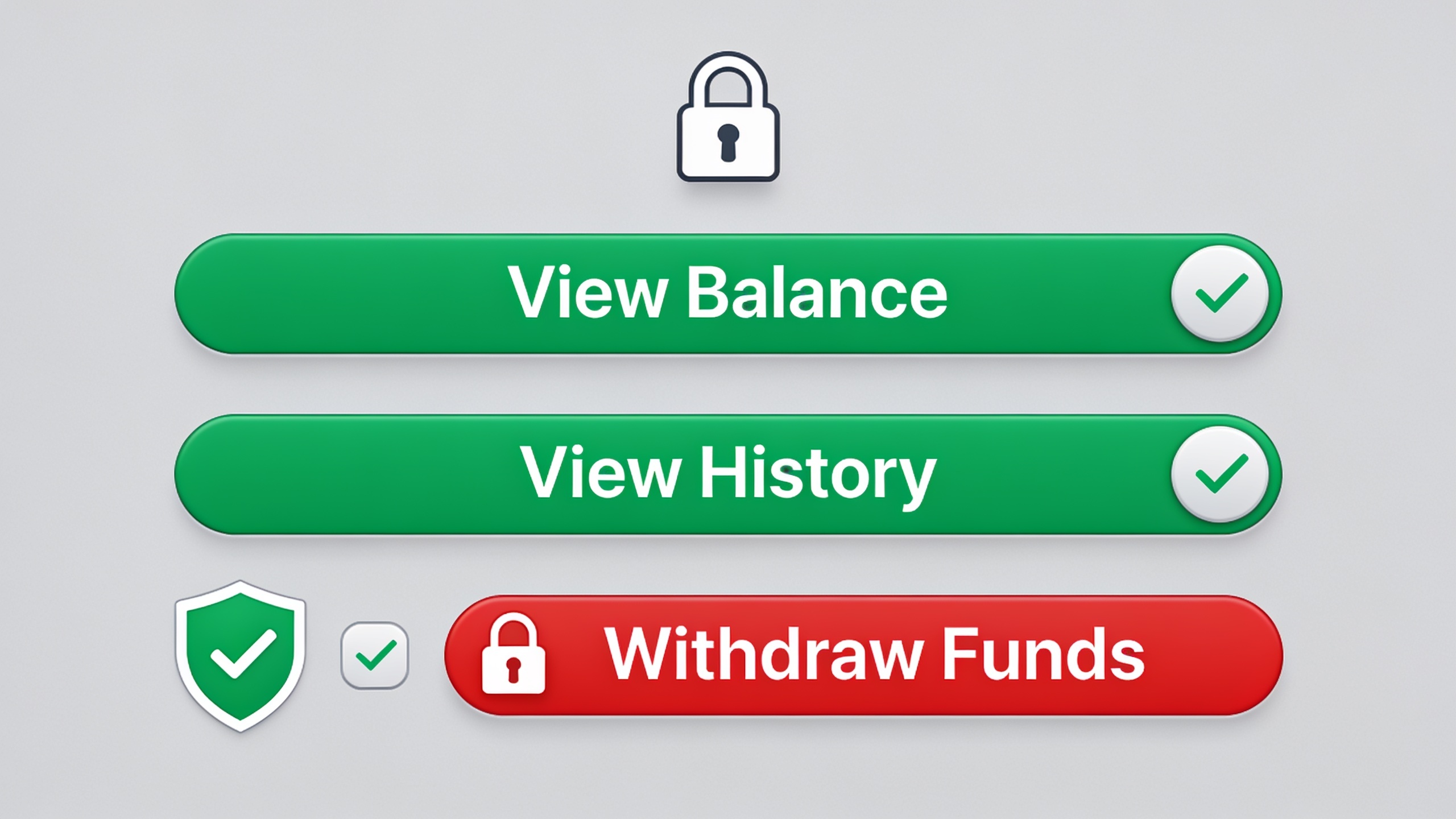
And here's the thing people forget: a tracker sitting on years of your transaction history is basically holding a detailed financial profile of you, withdrawal access or not. So checking whether a provider encrypts stored data and has an actual, published privacy policy is a pretty reasonable bar to set before you import your whole trading life.
Choosing a Tracker Based on Your Portfolio's Complexity
The right tracker depends way more on how your portfolio is built than on which app has the loudest marketing. Someone with two coins on one exchange has completely different needs than someone running a diversified strategy across a bunch of asset classes and platforms. Pretending otherwise is how you end up paying for features you'll never open.
If everything you own sits on one exchange and you barely trade, an exchange-native tracker or a free aggregator tier is genuinely enough. Why pay for multi-exchange sync you'll never use? But if you've deliberately spread your risk across large-cap coins, mid-cap altcoins, stablecoins, and maybe some DeFi yield positions (roughly the structure laid out in How to Build a Diversified Crypto Portfolio in 2025), then a tracker without solid multi-exchange and wallet syncing just leaves you reconciling gaps by hand. Which kind of defeats the entire point of having one.
How often you trade matters just as much. Someone dollar-cost-averaging once a month has wildly different tax needs than someone firing off dozens of trades a week across multiple protocols. That second person almost certainly needs a tracker (or a dedicated tax platform) that classifies transaction types automatically, because manually tagging hundreds of trades by hand is basically an invitation for expensive mistakes. Match the tool to your actual trading rhythm instead of defaulting to whatever ranks first in the app store. That's the difference between a tracker that saves you hours and one that becomes just another chore you resent.
Crypto Portfolio Tracker vs. Manual Spreadsheet: Which Wins?
For anyone holding across more than one platform or trading with any regularity, a dedicated tracker beats a manual spreadsheet, mostly because automatic syncing kills the tedious data entry that spreadsheets demand after every single transaction. But a spreadsheet still wins in a couple of narrow cases, especially if privacy and simplicity are what you care about most.
A spreadsheet shares nothing with anyone. Nothing leaves your device, no API keys connect to any outside service, which is exactly what the privacy-conscious crowd wants. It's free too, and you can bend it to calculate performance however you like. The cost is time and human error. Every trade, transfer, and staking reward has to be typed in and categorized by hand, and one fat-fingered number can wreck your whole cost-basis calculation. That mistake tends to reveal itself at the worst possible moment, like when tax season lands and you're trying to reconstruct a year of activity from vibes and memory.
A dedicated tracker automates that entry through API syncing or address monitoring, updates values live, and, depending on the platform, can generate those tax-ready reports I mentioned earlier. If your portfolio is complicated enough that manual tracking has become a real drag, the time you save usually outweighs the mild privacy hit of connecting a read-only key. But for someone with two or three long-term holds and no active trading? A simple spreadsheet is honestly still the smarter play. No shame in that at all.
Frequently Asked Questions
Is it actually safe to connect a portfolio tracker to my exchange account?
Generally, yes, as long as you restrict the API key to read-only permissions, so the tracker can see your balances and history but can't withdraw or trade. Just confirm those permission settings yourself when you generate the key. Don't assume the defaults are locked down, because sometimes they aren't.
Do free trackers include tax reporting?
Not usually. A lot of free tiers stick to basic balance and performance tracking, while the detailed tax lot calculations and exportable reports get parked behind paid tiers or dedicated tax platforms. And check what format you're actually getting. A general summary is not the same thing as an IRS-ready form, no matter how it's labeled.
Can a tracker handle my DeFi positions and staking rewards?
It varies a lot, and it's usually weaker than support for regular exchange balances, since on-chain DeFi activity is a pain to categorize automatically. If DeFi is a big chunk of what you hold, confirm a tracker's specific protocol support before you trust it to show the full picture. Otherwise you'll be flying half-blind.
What's the real difference between an exchange-native tracker and a third-party one?
An exchange-native tracker only shows what's on that one exchange and needs no outside connection. A third-party tracker pulls everything together across multiple exchanges and wallets using API keys or public addresses. Third-party tools give you the complete multi-platform view, but the trade-off is trusting one more outside service with read access to your data.
How often should I sanity-check my tracker's accuracy?
Cross-check the tracker's reported balances against your actual exchange and wallet balances every now and then, especially after big trades, transfers, or a platform update. Sync delays and the occasional misclassified transaction can quietly snowball into a total that's meaningfully off if you never look.
In the end, choosing a tracker comes down to being honest with yourself about how you actually invest. How many platforms you use, how often you trade, how badly you need tax-ready reports. Not which app has the shiniest interface. Start with the category that fits your current complexity, verify its security permissions and tax export format on the provider's own site, and treat upgrading to something fancier as a decision for later, once your portfolio grows, not just your curiosity.